
Skip to content
Home
About
Workshops
Siemens PLC
Rockwell PLC
ABB ACS 880 Drives
Siemens Sinamics Drives
Blog
Contact
Home
About
Workshops
Siemens PLC
Rockwell PLC
ABB ACS 880 Drives
Siemens Sinamics Drives
Blog
Contact
SIEMENS S7-1500 TIA PORTAL HANDS-ON WORKSHOP
Upcoming Sessions
DURATION: Five Days Intensive Hands-On Workshop. Monday to Friday
INSTRUCTOR: is An Active Commissioning Enginner with many years of Experience
COST : $3,595.00 (additional 10% discount for early birds)
PAYMENTS: Monthly Installments available (subject to eligibility)
LOCATION : Cranberry Township 16066, Pittsburgh Metro, PA
Learn with real S7-1500 PLC, remote IOs and Profinet Devices
Affordable with easy installments
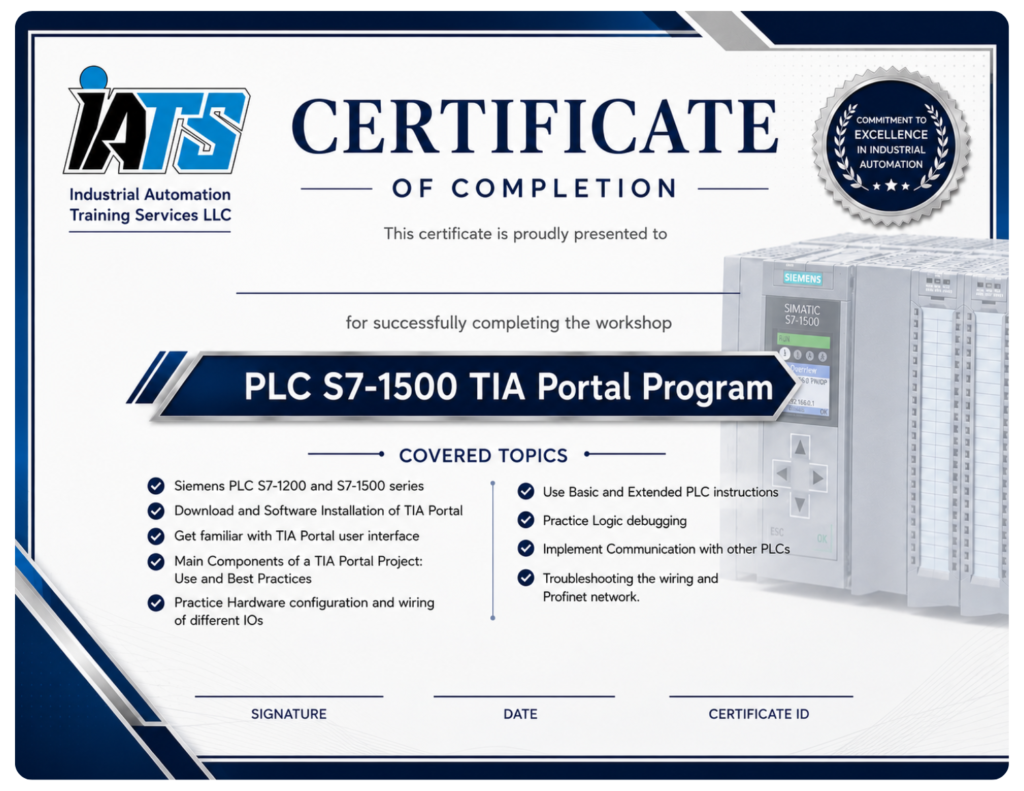
PLC S7-1500 TIA Portal Program
Siemens PLC S7-1200 and S7-1500 series
Siemens S7-1200 and S7-1500 overview
Key features of a PLC system
Hardware components of an S7-1500 system
Download and Software Installation of TIA Portal
TIA Portal software packages
Download TIA Portal trial version
Installation and configuration
Get familiar with TIA Portal user interface
TIA Portal different views and tasks panels
Project tree
Work area
Inspector window
Reference project and details view
Interface settings
Main Components of a TIA Portal Project: Use and Best Practices
Devices and Networks
Online diagnostics
Program blocks
Organization blocks
Functions
Functions blocks
Data blocks
Technology objects
PLC tags
PLC data types
Watch and force tables
Practice Hardware configuration and wiring of different IOs
Configure the trainer PLC and remote IO
Establish Profinet communication
Connect and address digital input & outputs and use in a projects
Connect and address analog input & outputs and use in a projects
Connect and address RTDs, thermocouples ,encoders and use in a projects
Use Basic and Extended PLC instructions
General ladder network elements
Bit logic operation
Timers
Counters
Comparators
Math functions
Move operation
Conversions
Program control
Word logic operation
String and characters
Process Image update
Distributed I/O read and write
Diagnostics
Practice Logic debugging
Use watch and force table
Use Trace tool to record signals
Use IBA process data analyzer to record and analyze the process data
Implement Communication with other PLCs
Use the legacy Get/Put to exchange data between two CPUs
Use Pn/Pn Coupler for deterministic communication
Use Open User Communication
Troubleshooting the wiring and Profinet network
Check the Physical Profinet connection
Use Proneta to assign names, check IP addresses and the network topology
Use Wireshark to listen to the network and record the failures sources
Use the Scalance Switch web interface to get the ports statistics
At the end of the workshop, you will be able to:
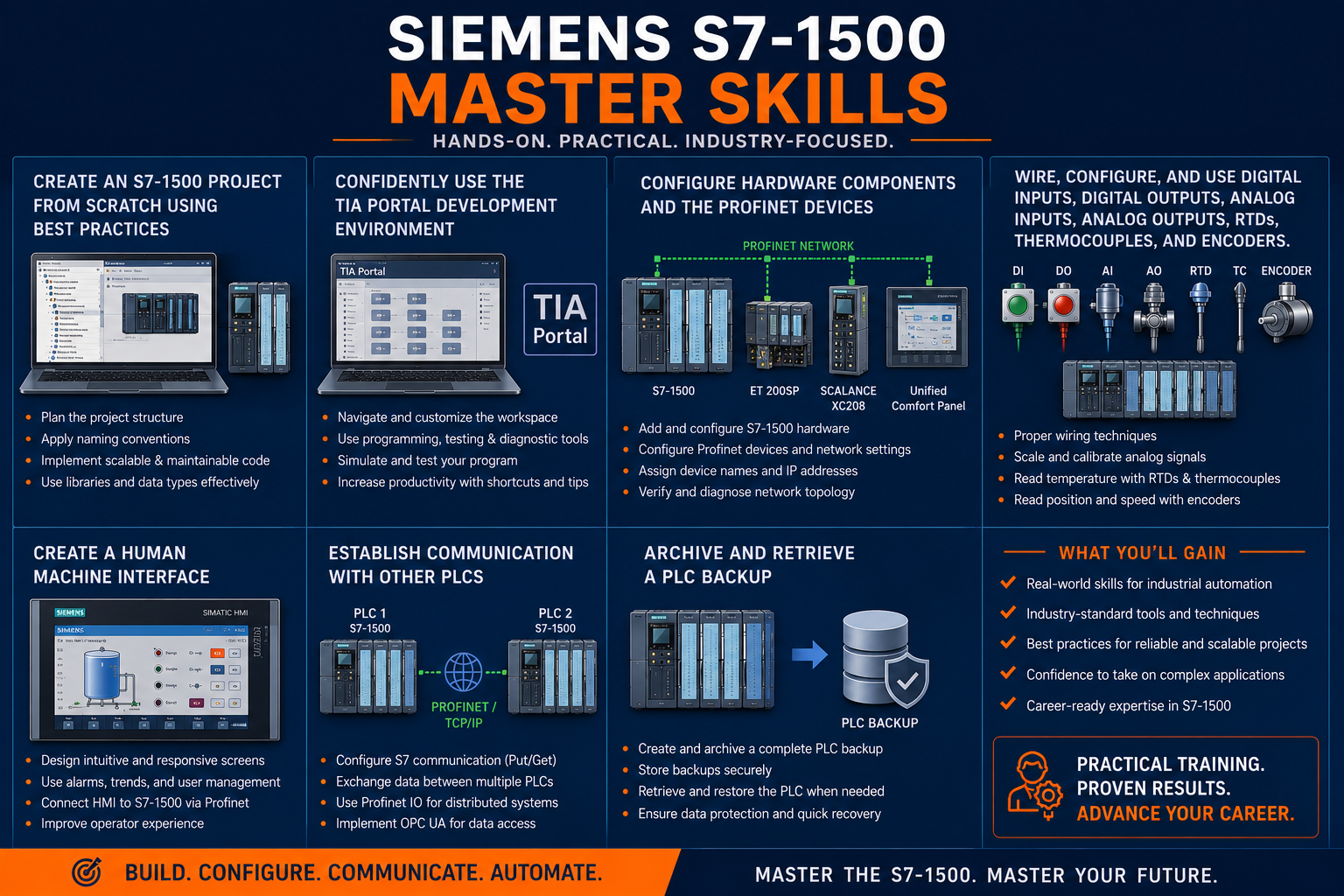
Create an S7-1500 project from scratch using the best practices
Confidently use the TIA Portal development environment
Configure the hardware components and the Profinet devices
Wire, configure, and use digital inputs, digital outputs, analog inputs, analog outputs, RTDs, thermocouples, and encoders.
Create a Human Machine Interface
Establish communication with other PLCs
Archive and retrieve a PLC backup